
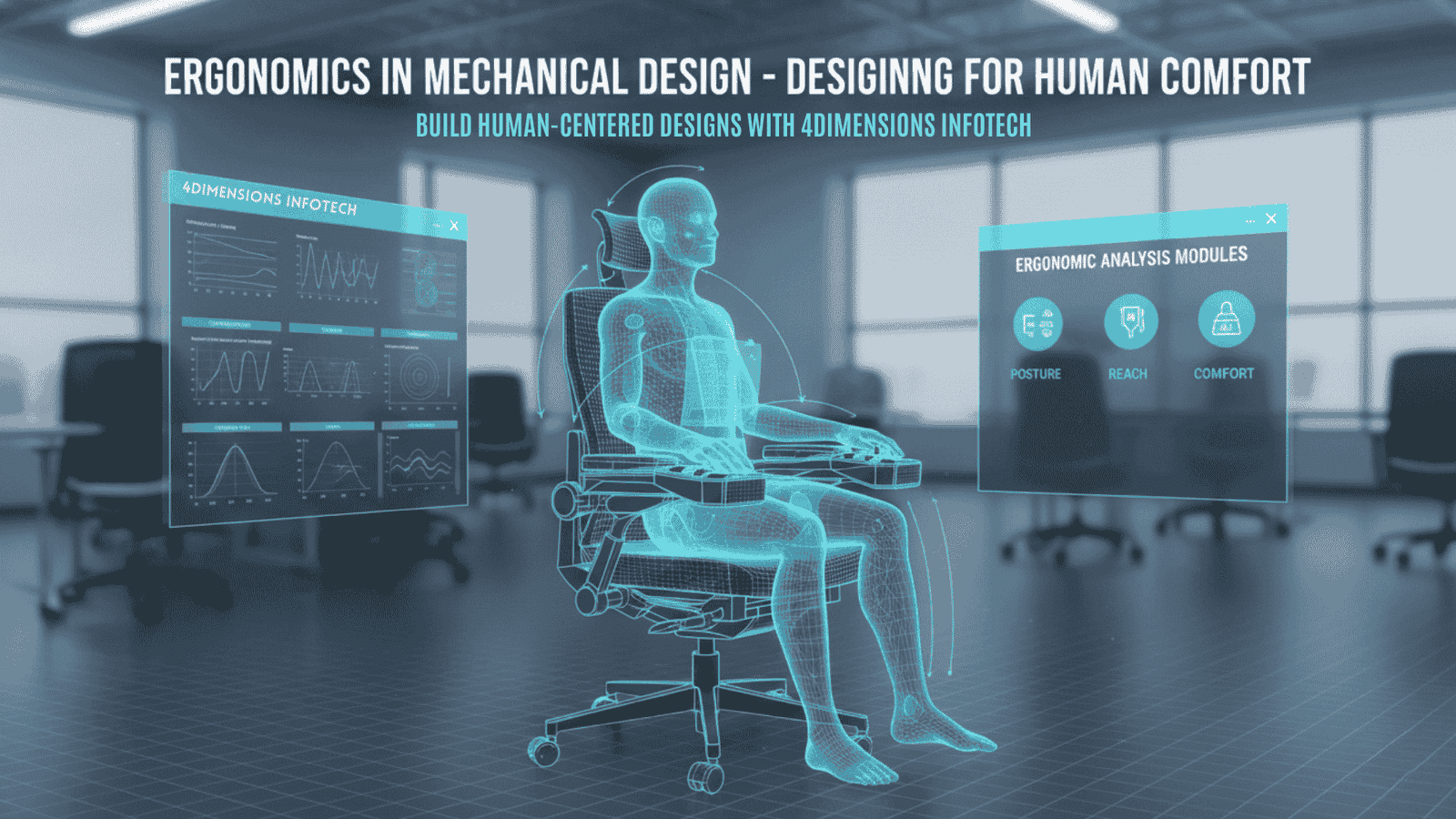
When we think of mechanical design, we normally focus on strength, materials, tolerances, performance, and cost. But one important factor is often forgotten — the human being who will use the product. This is where ergonomics becomes essential.
Ergonomics means designing products, machines, tools, and systems that fit human comfort, safety, strength, and natural movement. Whether it is a vehicle seat, a hand tool, a control panel, a workstation, or even a small lever — ergonomics makes the product easier and safer to use.
At 4Dimensions Infotech, we teach design engineers to consider not just the product, but the person interacting with the product. This article explains in simple terms what ergonomics is, why it matters in mechanical design, and how engineers can apply ergonomic principles in real projects.
Ergonomics is the science of designing products that match human physical and psychological needs.
A simple definition:
Ergonomics = Designing for human comfort, safety, efficiency, and usability.
Engineering is not only about machines — it is also about how humans interact with machines. Ergonomics ensures that interaction is smooth, natural, and safe.
A chair that supports posture
A wrench that fits the hand comfortably
A control button placed within natural reach
A machine handle that reduces wrist strain
Ergonomics turns a functional design into a user-friendly design.
A design that feels comfortable improves user experience, whether it is a bicycle seat or a workshop tool.
Poor ergonomics can cause injuries, muscle strain, or long-term health issues.
Ergonomic designs reduce user effort and increase productivity.
A comfortable design allows longer usage without discomfort.
Products designed for humans are naturally more successful in the market.
In simple words:
Ergonomics makes a good product great.
The design must match the human body’s size, shape, movement, and strength.
Controls and handles must be within natural reach zones of the human arm.
The force required should be comfortable and safe for the user to apply.
Ignoring any of these leads to poor design.
Anthropometry refers to the measurement of human body dimensions — height, arm length, sitting height, hand size, shoulder width, etc.
Not all users are the same
Designs must accommodate 5th percentile to 95th percentile users
Helps determine proper seat height, control placement, handle size, spacing
Example:
A machine lever length must be suitable for people with small and large arm reach.
Anthropometric data ensures the design fits almost everyone.
Poor mechanical design can cause:
Back pain
Wrist strain
Shoulder fatigue
Repetitive stress injury (RSI)
Slips or accidents
Excessive force usage
Ergonomics prevents this by optimizing:
✔ Grip angle
✔ Handle thickness
✔ Force direction
✔ Body posture
✔ Load handling positions
Safety + Comfort = Long-term usability.
Tools are used every day, so comfort and safety are critical.
Rounded handle edges
Anti-slip grip
Proper handle diameter
Balanced weight
Reduced torque on wrist
Natural hand alignment
Example:
A screwdriver with a thick, rubberized handle reduces wrist pressure and improves torque application.
Machines must be designed keeping operator posture, movement, and fatigue in mind.
Control panel height
Display angle
Button size and spacing
Seat height and cushioning
Foot pedal placement
Vibration reduction
Noise levels
A well-designed workstation increases safety and productivity in industries.
In vehicles, ergonomics directly affects driver safety and comfort.
Seat inclination
Steering reach and tilt
Pedal effort
Dashboard visibility
Mirror placement
Hand controls
Cabin noise and vibration
A driver travels for hours — poor design creates fatigue and reduces control.
Everyday products also need ergonomic design:
Chairs
Keyboards
Bicycles
Home appliances
Mobile devices
A more ergonomic product increases customer satisfaction and market success.
Who will use it? How? For how long?
Check percentile ranges for target users.
Ensure geometry matches human movement.
Some CAD tools include ergonomic simulation modules.
Test with real users.
Improve comfort, reduce effort, enhance usability.
Ergonomics is a continuous improvement process.
❌ Designing for “average” users only
❌ Handles too thin or too thick
❌ Control buttons placed out of reach
❌ Sharp edges causing discomfort
❌ Excessive force required to operate
❌ Poor visibility of displays
❌ Ignoring posture and body alignment
A design is only complete when comfort is validated along with strength and performance.
Industries prioritize products that users love — not just products that work.
Engineers who understand ergonomics can:
✔ Improve product usability
✔ Reduce warranty failures
✔ Increase market acceptance
✔ Create premium user experiences
✔ Work effectively in automotive, consumer goods, industrial machinery industries
Ergonomics-enhanced design stands out in the global market.
At 4Dimensions Infotech, we teach not only CAD, GD&T, and domain-based design — but also ergonomic principles that help engineers design products for real users.
✔ Ergonomic concepts and human-centered engineering
✔ Anthropometry usage in design
✔ Designing for reach, posture, force, and visibility
✔ CAD methods to incorporate ergonomic zones
✔ Real-world examples from automotive, tools, machinery, and consumer goods
✔ How to balance safety, comfort, and performance
We prepare engineers to build products that fit humans, not just geometry.
Ergonomics is not optional — it is a core part of mechanical design. A product that is safe, comfortable, easy to use, and responsive to human needs becomes successful and reliable.
Mechanics + Human Comfort = Great Design
If you want to design products that people love to use, ergonomics must be part of your engineering skill set.
Start learning professional mechanical design — including ergonomics — with 4Dimensions Infotech.
Design smart. Design safe. Design for humans.
© 2025 4Dimensions Infotech. All rights reserved. | Best Design Engineering Training Institute in Pune
Start your journey with the best design engineering training institute in Pune.